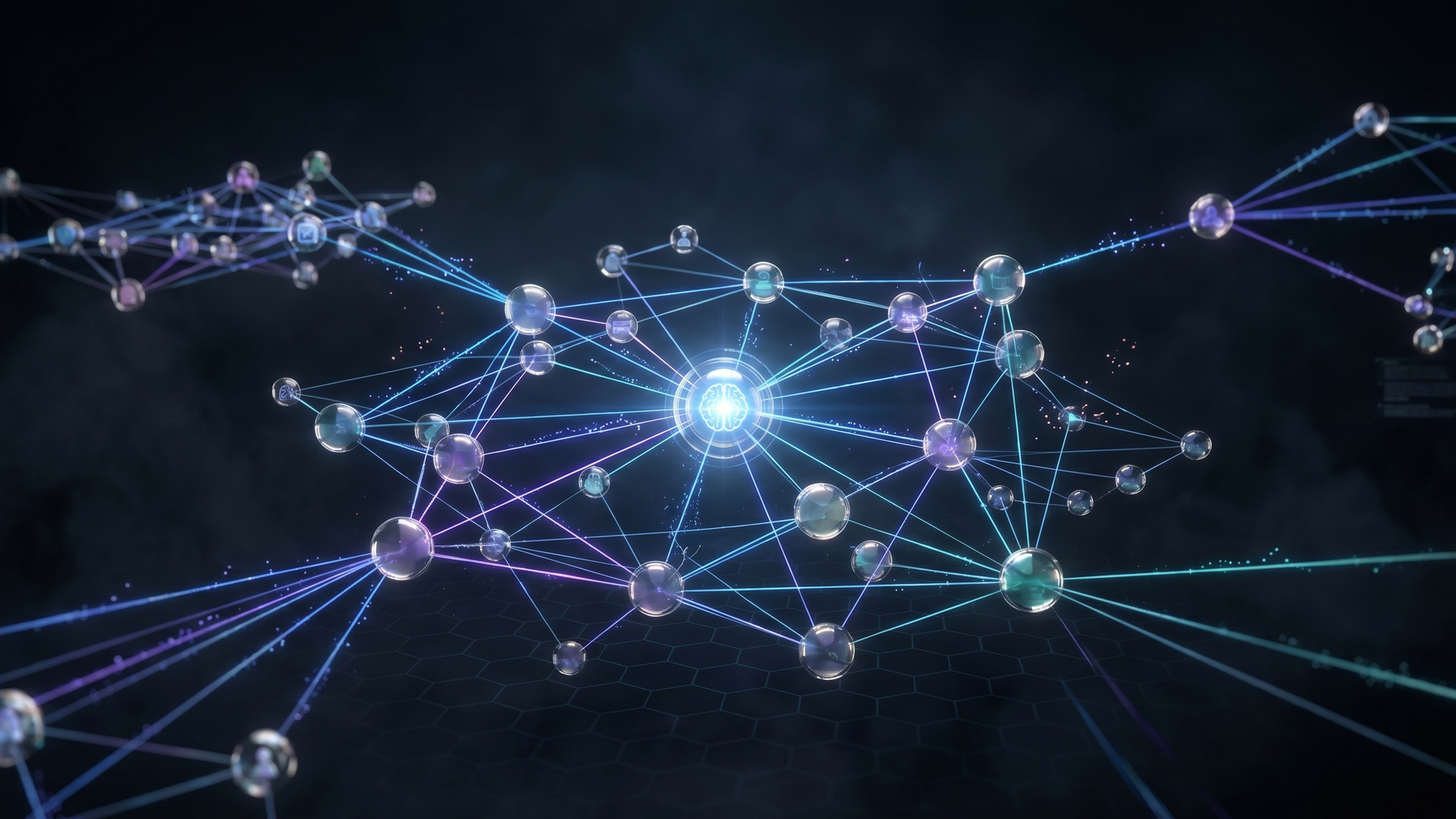
Codebase Synapses
As a solo engineer at an early-stage startup, I built a graph-backed, multi-agent AI chatbot that understood our entire codebase, automated documentation and security review, and let junior developers onboard themselves without slowing down shipping—an approach that later evolved into tools like Augment.
- Role
- Lead Developer, AI Systems Architect
- Timeline
- 1 month for prep + release
- Year
- 2024
Executive Summary
I built an internal codebase chatbot long before “agentic AI” was a buzzword, so new engineers at our startup could ramp up without interrupting my shipping time. This case study walks through the pain that led me to build it, the scrappy architecture that made it actually useful on real code, and how those same design choices now underpin modern tools like Augment.
Context
In 2024, I was the sole developer at an early-stage startup where rapid iteration and constant business pivots made it nearly impossible to maintain up-to-date documentation. As the company began to grow, it became clear we needed to expand the dev team and bring on junior engineers. However, the existing codebase—optimized for speed rather than clarity—posed a serious onboarding challenge, especially in a custom, largely undocumented environment.
Recognizing that this would hurt long-term viability and developer retention, I decided to invest time in cleaning up the code and improving documentation before hiring. Around this time, AI-assisted coding tools were just emerging in the developer community. I was already using early AI features like ghost code completions to accelerate my own work, but those tools only operated at the level of individual lines or small snippets.
What I needed was something that could understand and reason about the entire codebase. That led me to try Claude. Over a single weekend, I used Claude to help refactor the entire mobile app. The result was a significantly cleaner, more maintainable codebase, far better suited for onboarding junior developers. The process saved me weeks of manual refactoring and documentation work and demonstrated how even early AI tools could meaningfully transform engineering workflows in a startup environment.
Constraints
- →Continuous shipping was mandatory for the startup’s survival, so long onboarding or knowledge-transfer periods were not an option.
- →Junior developers required rich contextual understanding (business rationale, system architecture, and safe experimentation paths), not just access to the codebase.
- →Manually written documentation quickly became outdated due to the rapid evolution of the codebase, making traditional docs insufficient as a primary knowledge source.
Strategy
Technical Breakdown: Neo4j Code Map + LangGraph Multi‑Agent Pipeline
1. Neo4j as a Structural Map of the Codebase
Goal: Give AI a structured, queryable understanding of the entire codebase, not just raw text.
Core Concept: Represent the codebase as a graph in Neo4j, where nodes are code artifacts and edges are relationships between them.
Typical Node Types (examples):
- →
Project/Service– top-level systems or microservices - →
Module/Package– logical groupings of functionality - →
File– source files - →
Class/Interface– object-oriented constructs - →
Function/Method– executable units - →
Variable/Field– data holders - →
Endpoint/Job– externally visible behaviors (APIs, cron jobs, queues) - →
DataStore/Table/Collection– persistence layer entities - →
Secret/SensitiveData– credentials, PII, tokens, etc.
Typical Relationship Types (examples):
- →
CONTAINS– hierarchy (Project → Module → File → Class → Method) - →
CALLS– function/method call graph - →
IMPORTS/DEPENDS_ON– module/file dependencies - →
READS_FROM/WRITES_TO– data access paths - →
EXPOSES– endpoint → underlying logic - →
USES_SECRET– code that touches credentials or sensitive config - →
HANDLES_PII– flows of customer or personal data
Ingestion / Indexing Pipeline (high level):
- Scan the repository
- →Walk the directory tree.
- →Identify languages, frameworks, and project structure.
- Parse code into an AST (per language)
- →Extract functions, classes, imports, calls, and data access patterns.
- Build graph entities
- →Create nodes for each artifact (project, file, function, etc.).
- →Create edges for structural and behavioral relationships (CONTAINS, CALLS, IMPORTS, READS_FROM, etc.).
- Annotate with semantics
- →Add metadata: language, framework, ownership, domain (auth, billing, etc.).
- →Optionally attach vector embeddings (for semantic search over names, comments, docstrings).
- Persist to Neo4j
- →Use Cypher or a driver to upsert nodes and relationships.
What This Enables:
- →Answer questions like:
- →“Where is the login flow implemented, and what does it depend on?”
- →“Which services write to the
customerstable?” - →“If I change this function, what endpoints are affected?”
- →Trace data and control flow:
- →From an API endpoint → through business logic → to database tables → to external services.
- →Identify security-relevant paths:
- →Where secrets are used.
- →Where PII flows through the system.
The result is a living, queryable map of the codebase that can be:
- →Queried via Cypher.
- →Augmented with vector search.
- →Fed as structured context into downstream AI agents.
---
Challenges
You realized that traditional documentation can’t keep pace with a rapidly evolving codebase or the constant stream of situational questions from juniors. Instead of repeatedly explaining the same concepts or manually updating docs, you wanted a way to encode your own understanding of the system into something interactive and always available.
Your solution: build a chatbot that can understand the system directly from the code and answer questions about its capabilities. This lets juniors self-serve answers on their own schedule, effectively turning the living codebase into a conversational knowledge source rather than relying on static, easily outdated documentation.
Outcomes & Impact
The initial implementation of the graph-powered intelligent search required tuning: its first version sometimes surfaced tangentially related code instead of the most directly useful context. By iteratively adjusting similarity thresholds, you reduced this noise and improved the relevance of results.
Within about a week of giving junior developers access, their behavior shifted. Instead of interrupting your focus with questions, they began directing those questions to the chatbot. When they got stuck on a component, they could follow its connections through the graph themselves rather than relying on you to walk them through it. Knowledge transfer started happening asynchronously, on their own schedule instead of yours, allowing you to continue developing in parallel — which was the core goal of the system.
Case Study: Teaching AI to Understand Your Business Software
Before agentic AI was a product category, I hand-built a codebase chatbot at a startup so junior developers could onboard themselves — without me having to stop shipping. This is the story of why I built it, how it worked, and why the ideas behind it now sit at the core of tools like Augment.
The Problem: One Developer, A Growing Codebase, No Time to Stop
I was the sole developer at an early-stage startup. In early-stage startups, speed is everything; with so many frequent business shifts, you don’t have enough time to keep code documentation up to date. Suddenly I was faced with another problem: expanding the dev team.
The company was growing. It was time to bring on junior developers to keep up with the pace of growth. But developers take a while to get onboarded, especially with custom software in an undocumented startup environment. If I were a junior, I wouldn’t want to be onboarded under such conditions, so for long-term viability and retention, I knew I would need to clean up the codebase and update documentation prior to hiring.
This was back in 2024 when AI was first starting to gain traction in the dev community. AI-assisted coding tools were brand new at the time and agentic tooling did not exist. I was utilizing AI for ghost code completions that would suggest the next line as I typed, meaningfully accelerating my own output. But I needed a higher-level system that would understand the entire codebase, not just the lines I was working on. First, I had to figure out if AI could really handle the context window that I needed.
I decided to try out Claude and in a single weekend was able to refactor the entire mobile app. Unbelievable, it actually worked. The code was now in a much better place for onboarding juniors and saved me weeks worth of time.
If AI could understand the entirety of my application based on the code, then surely it should be able to write the documentation for it. But the problem with existing documentation is that it doesn’t evolve with the system. I didn’t want to have to manually update docs every time a junior had a new situational question.
I needed a way to encode my own knowledge of the system into something juniors could interact with — on their own schedule, without requiring me to be in the room. Why just create documentation when you can just chat directly about your question with the system? So I decided to build a chatbot that would understand the system’s capabilities and answer relevant questions based on the code.
In concrete terms, the constraints were:
- →I couldn’t stop shipping. The startup depended on continuous progress. Weeks spent on knowledge transfer were weeks not building.
- →Juniors needed context, not just code. Pointing someone at a repository and saying “figure it out” doesn’t work. They needed to understand the business reasoning behind decisions, how components connected, and a safe way to explore without breaking things.
- →Hand-written documentation couldn’t keep up. Anything I wrote was already partly obsolete by the time someone read it. The codebase moved too fast.
What I Built: A Chatbot That Actually Understood the Codebase
This was early 2024. Agentic AI — systems where multiple AI models coordinate with each other to complete complex tasks — was not yet a commercial product. LangGraph, the framework I used to wire my agents together, had only just been released. There was no off-the-shelf answer to what I was trying to build. I had to assemble it myself.
The core idea: what if I could give AI a structured understanding of the entire codebase — not just reading files line by line, but mapping out how every piece connected — and then let junior developers have a conversation with that map?
To make that work, I combined two things.
A Digital Map of the Codebase
The first ingredient is a graph database — specifically, Neo4j. Think of a graph database not as rows in a spreadsheet, but as a living, interconnected map.
When the system scans your software, it builds a map that captures relationships:
- →How are the project files organized and what type of system is it?
- →Which part of the system calls which other part?
- →What data does a given process depend on?
- →Which features share the same underlying logic?
- →Where does sensitive information — like login credentials or customer data — flow?
The result is like upgrading from a pile of handwritten notes to a fully interactive org chart of your software. Every function, file, and dependency becomes a node on the map. The map can be searched intelligently by meaning — similar to synapses in the human brain, making smart connections between components.
When someone asks “How does the customer login process work?” the system traces the logical path through the map — finding the entry point, following the connected components, and assembling a complete, contextually accurate answer.
A Coordinated Pipeline of AI Agents
The second ingredient was a multi-agent workflow — one of the first of its kind assembled outside of a research setting, using early-release tooling.
Rather than one AI trying to do everything at once, I built a pipeline where each agent had a specific job. When a junior submitted a question or a piece of code to the chat interface, this sequence activated behind the scenes:
- →The Knowledge Finder searched the digital map to pull the most relevant code and context before any other agent began work.
- →The Technical Writer used that context to automatically add clear, standardized documentation to the code.
- →The Security Guard reviewed the result for vulnerabilities and produced a structured, prioritized report.
These three agents ran in sequence, each passing its output to the next. The junior got everything back in one response.
Key Capabilities
Automated Security: Catching Problems Before They Become Breaches
The Security Guard agent scans any piece of your software and identifies known security risks automatically.
In this build, it successfully flagged vulnerabilities including:
- →Hardcoded credentials — passwords or access keys written directly into the code, rather than stored securely. This is one of the most common ways companies suffer data breaches.
- →Unvalidated data inputs — places where the software accepts information from outside without checking whether that information is safe.
- →Insecure data connections — situations where sensitive information, like database passwords, are assembled in ways that could expose them to attackers.
For each issue found, it produced a structured report: where the problem is, how serious it is, and what the recommended fix looks like. In practice, this meant every code change got a free security review — the kind that otherwise requires dedicated time from a senior engineer.
The Chat Interface: Ask Questions, Get Answers Grounded in Reality
The Knowledge Finder agent was the entry point — what the junior developers actually talked to.
Because it worked from the digital map rather than guessing from training data, it could answer questions grounded in the actual codebase:
- →“How does the authentication flow work?”
- →“What components does the login widget use?”
- →“If I change how this function works, what are downstream effects?”
The answers weren’t generic explanations pulled from the internet. They were traced directly through the relationship map of our specific system. This is the difference between pointing a new hire at Stack Overflow and giving them a real-time guide to the exact building they’re working in.
In practice, a junior could ask something like “What does the AuthService connect to and why does it work this way?” and get back a traced answer — showing the components it called, the data it depended on, and the context pulled directly from the codebase. Questions that would have required interrupting my flow now had a dedicated interface to go to instead.
Documentation That Grows With the Codebase
The Technical Writer agent turned out to be one of the pipeline’s most valuable byproducts. Every time a junior submitted code through the chat interface, it came back with professional-grade documentation added automatically — what the function did, what inputs it expected, what it returned. The code itself wasn’t changed. The understanding of it was.
This meant the knowledge gap was closing in both directions:
- →Juniors built better coding habits because every submission modeled what well-documented code looked like.
- →The codebase documented itself organically as the team worked — without me writing a single doc manually.
- →When a developer eventually left, their contributions weren’t a black box to whoever came next.
Business Impact
Time Savings
This project saved me weeks of strategy, refactoring, and knowledge-transfer time — and got juniors contributing meaningfully far sooner than a traditional onboarding would have allowed.
- →Junior onboarding: What would typically take 3–4 weeks of guided hand-holding compressed into days of self-directed exploration through the chatbot.
- →Code review: Juniors got their code back documented and security-audited automatically — building better habits without adding to my review queue.
- →My own output: I kept shipping. Zero weeks lost to dedicated training sessions.
Reduced Risk
- →Decisions about the software are based on an accurate, living map of the system — not outdated assumptions.
- →Security vulnerabilities that might have gone unnoticed for months are caught on first automated pass.
- →The risk of a costly data breach is proactively reduced.
Lower Technical Debt
Technical debt is the hidden cost paid when software decisions are made quickly rather than thoughtfully. Undocumented code, unreviewed security, and systems no one fully understands are all forms of it.
This system attacks technical debt at its root by making documentation and security review automatic and ongoing.
The Result
It worked — though not without iteration. The first version needed tuning: the graph’s intelligent search occasionally surfaced tangentially related code rather than the most directly useful context, and I had to adjust the similarity thresholds to cut the noise. But within a week of the juniors getting access, something shifted.
They were asking the chatbot questions they would have previously interrupted my flow to ask. When they got stuck on a component, they could trace its connections themselves rather than waiting for me to walk them through it. The knowledge transfer was happening asynchronously — on their schedule, not mine.
I could develop in parallel. That was the whole point.
Conclusion: From Prototype to Professional
This wasn’t built in a lab or pitched as a research project. It was built under pressure, by one person, to solve a real problem that the commercial tooling of the time simply couldn’t address. When I assembled this, agentic AI wasn’t a product category — it was a concept in academic papers. The multi-agent pipeline, the graph-backed intelligent search, the automated security review: all of it had to be hand-wired from early, rough-edged open-source frameworks.
The juniors shipped faster. Knowledge transfer that would have taken weeks happened through a chat interface.
Today, those same ideas have matured into professional-grade tools.
Augment represents the evolution of exactly this vision. Rather than a prototype requiring technical setup and configuration, Augment brings AI-powered codebase understanding directly into the development environment — with the depth, accuracy, and reliability that businesses need to trust their software assets are properly understood, documented, and maintained.
Your software should never be a black box. The people who depend on it should be able to understand it, trust it, and keep it running safely — whether or not the original developer is still in the room.